
Key Takeaways
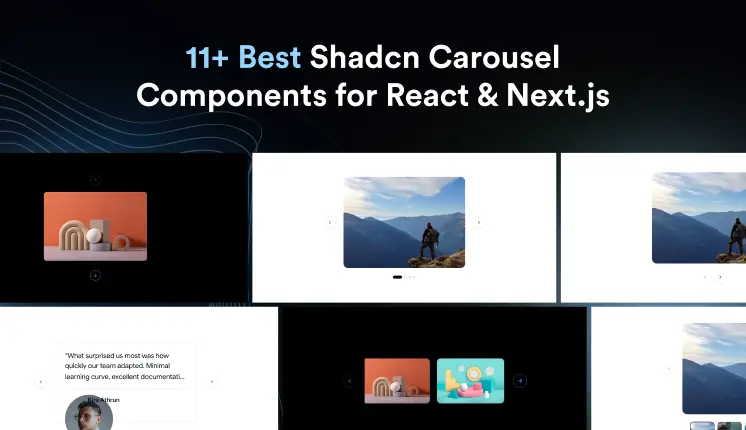
- Shadcn carousel components provide sleek and customizable designs for React and Next.js applications.
- They offer responsive layouts, ensuring a seamless user experience across different devices.
- Easy integration with extensive documentation makes them developer-friendly.
- These components are optimized for performance and accessibility, catering to diverse user needs.
- Leveraging Shadcn carousels can significantly enhance the visual appeal and functionality of your web projects.
Carousels have a reputation for being tricky to get right. The logic seems simple until you need custom navigation, accessible controls, and smooth touch behavior all at once. Then most off-the-shelf options either expose too little or collapse under real project requirements.
Shadcn carousels are different. Built on top of Embla, they give you a composable, Tailwind-friendly slider that works with your existing component structure instead of around it. You get swipe support, keyboard navigation, and direct API access without stitching together three separate libraries.
This post covers the best Shadcn carousel components. For each one, you will see what it does, where it fits, and when to use it so you can make a clear call without reading through a wall of docs first.
What is Shadcn Carousel?
A shadcn carousel is a slider component that lets users move through multiple items in the same space, left to right or top to bottom. Instead of stacking content into a long page, you let people swipe or click through it.
The official shadcn ui carousel is built using Embla, a lightweight engine that handles the hard parts: drag physics, snap points, and slide tracking. On top of Embla, Shadcn exposes a clean React carousel component you can compose and style with Tailwind.
The official docs cover the full surface: composition, orientation, options, API, events, plugins, RTL, sizes, and spacing. The Radix UI and Base UI versions share the same mental model, so what you learn on one carries over.
How These Carousels Were Evaluated
Each pattern in this list was evaluated against a fixed set of developer-focused criteria. Surface appearance was not part of the filter. Here is what actually mattered:
- Implementation clarity: a predictable structure you can read and extend.
- Composition flexibility: container, content, item, and controls stay separate and reusable.
- Navigation patterns: dots, arrows, and index states that map to clear user actions.
- Keyboard support: arrow keys and focus handling that work out of the box.
- Touch behavior: swipe gestures that feel natural on real devices.
- Layout control: sizing and spacing you can adjust without rewrites.
- Workflow fit: copy-paste usage that drops into a React or Next.js project cleanly.
Every component below is evaluated against the same criteria, so you can compare them on equal footing and pick the one that fits your project without second-guessing.
Stack and Setup
All components below work in both Radix UI and Base UI setups. They follow a direct copy-paste workflow, so you paste the code, wire your data, and move on.
These patterns are built with React, Next.js, Tailwind CSS, and Framer Motion, which keep animations and slide transitions smooth without heavy config.
You can install each pattern through a CLI command using pnpm, npm, yarn, or bun. Here is one sample install line for pnpm:
pnpm dlx shadcn@latest add @shadcn-space/select-01For more information and better clarity, visit our official get-started guide with the CLI.
Why Developers Still Use Carousels Today
Carousels get a bad reputation, usually because of autoplay banners nobody asked for. Used well, they solve a real layout problem.
You reach for a carousel when you have more items than vertical space, and order does not strictly matter. Product galleries, testimonials, feature previews, and onboarding steps all fit. A Next.js carousel built on Embla also keeps slide content in the DOM, which helps with indexing when you render it server-side.
The point is control. Swipe on mobile, arrow keys on desktop, and a layout that does not blow up your page height.
Best Shadcn Carousel Components Examples
Below are examples of carousel components that score highly in usability, performance, and accessibility. Each Shadcn component has been carefully reviewed to ensure it aligns with the outlined criteria.
Custom Dots

This pattern replaces the default arrows with dot indicators that track the active slide, giving users a clear sense of their position and the total count. It keeps the navigation compact, which works well when arrows would crowd a tight layout. The dots are wired to the carousel API, so the active state stays in sync as users swipe or click. You get a clean, minimal control surface that scales from 4 slides to many without clutter.
Use cases:
- Image galleries where space is tight
- Onboarding flows with a fixed number of steps
- Hero sections that need quiet navigation
- Mobile-first sliders driven by swipe
- Marketing pages with 4 to 6 highlight slides
Best for: Compact image galleries that need position cues without bulky arrows.
Custom Navigation

This pattern hands you full control over the previous and next buttons, so you can restyle, reposition, or relabel them to match your design. It is useful when default controls clash with your brand or sit in the wrong spot. The buttons connect to the carousel API and respect disabled states at the start and end of a non-looping set. You keep accessibility intact while shaping the controls to fit your layout.
Use cases:
- Branded sliders with custom arrow styling
- Layouts where controls sit outside the track
- Dashboards need larger touch targets
- Editorial pages with directional cues
- Sliders that mix custom buttons with keyboard support
Best for: Branded interfaces where default arrows do not fit the design system.
Vertical Carousel
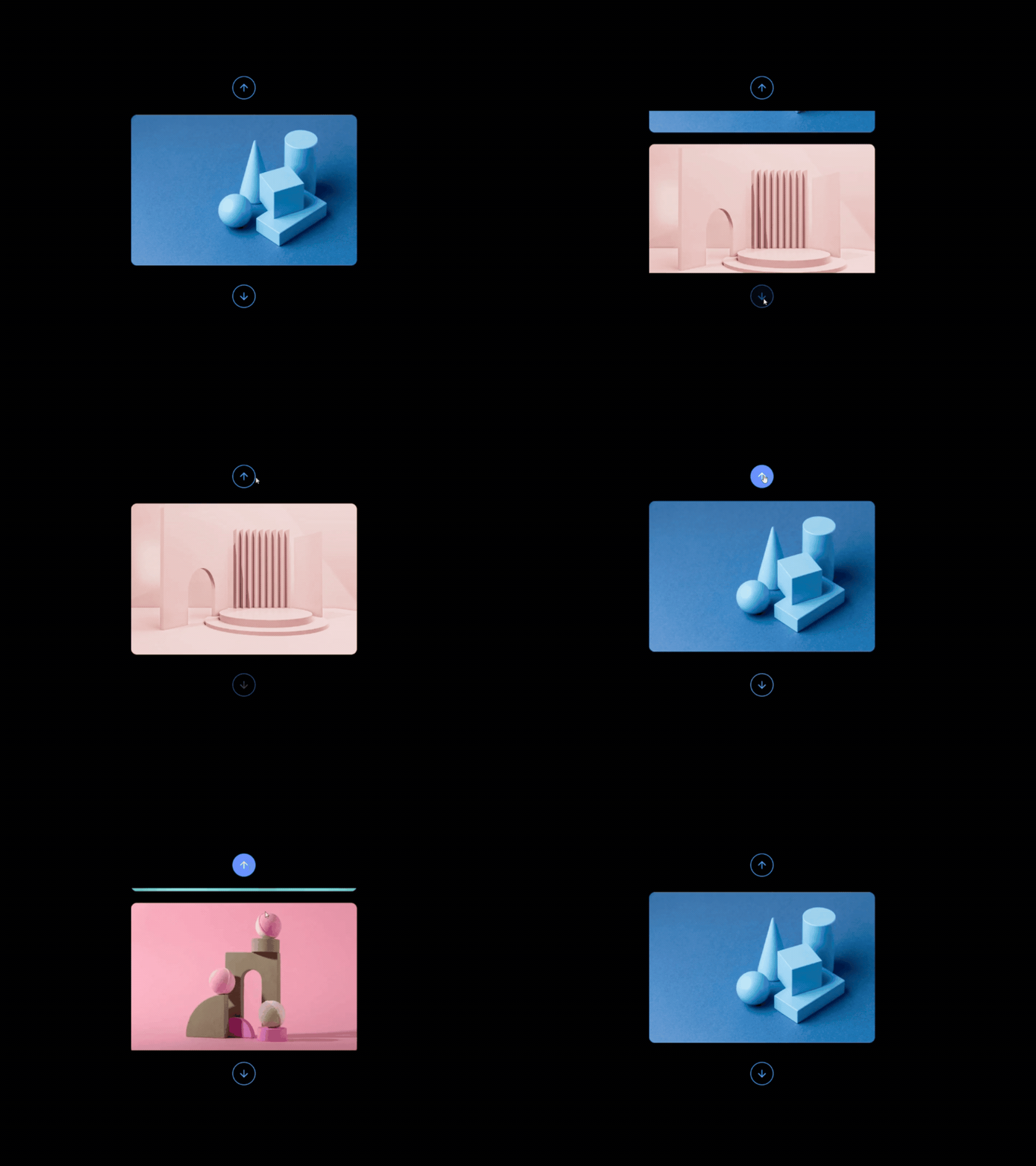
This pattern switches the carousel from horizontal to vertical scrolling, allowing users to move through content from top to bottom. It works especially well in narrow spaces where horizontal movement feels restrictive or unnatural. The orientation can be changed with a single configuration while keeping the same carousel API, navigation controls, and touch interactions. You get a familiar carousel experience that adapts better to sidebar layouts and stacked content.
Use cases:
- Sidebar content feeds
- Vertical testimonial sections
- Activity and notification streams
- Story-style content sequences
- Mobile layouts with limited horizontal space
Best for: Layouts where vertical scrolling feels more natural than horizontal navigation.
Index
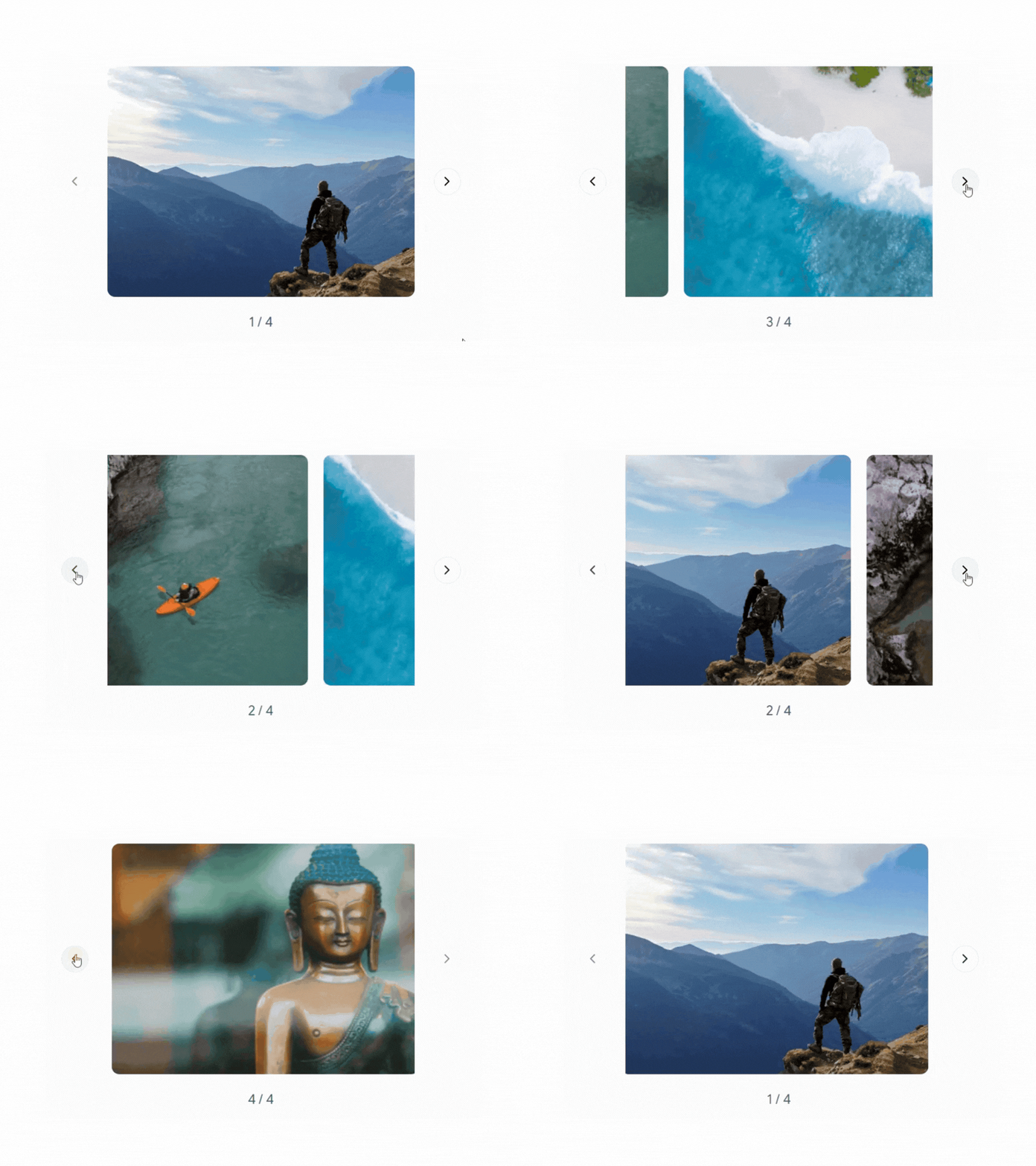
This pattern displays a live slide counter that updates in real time as users move through the set, so they always know their position without guessing. It suits longer content sequences where dot indicators would become too dense to read clearly. The counter reads directly from the carousel API and stays in sync across swipe, click, and keyboard interactions. You give people a precise sense of progress without adding any extra visual weight to the layout.
Use cases:
- Long product galleries with many slides
- Step-by-step tutorials with numbered states
- Portfolio sliders with sequential work
- Documentation walkthroughs
- Media viewers where the exact position matters
Best for: Longer galleries where users need an exact position count.
Cards
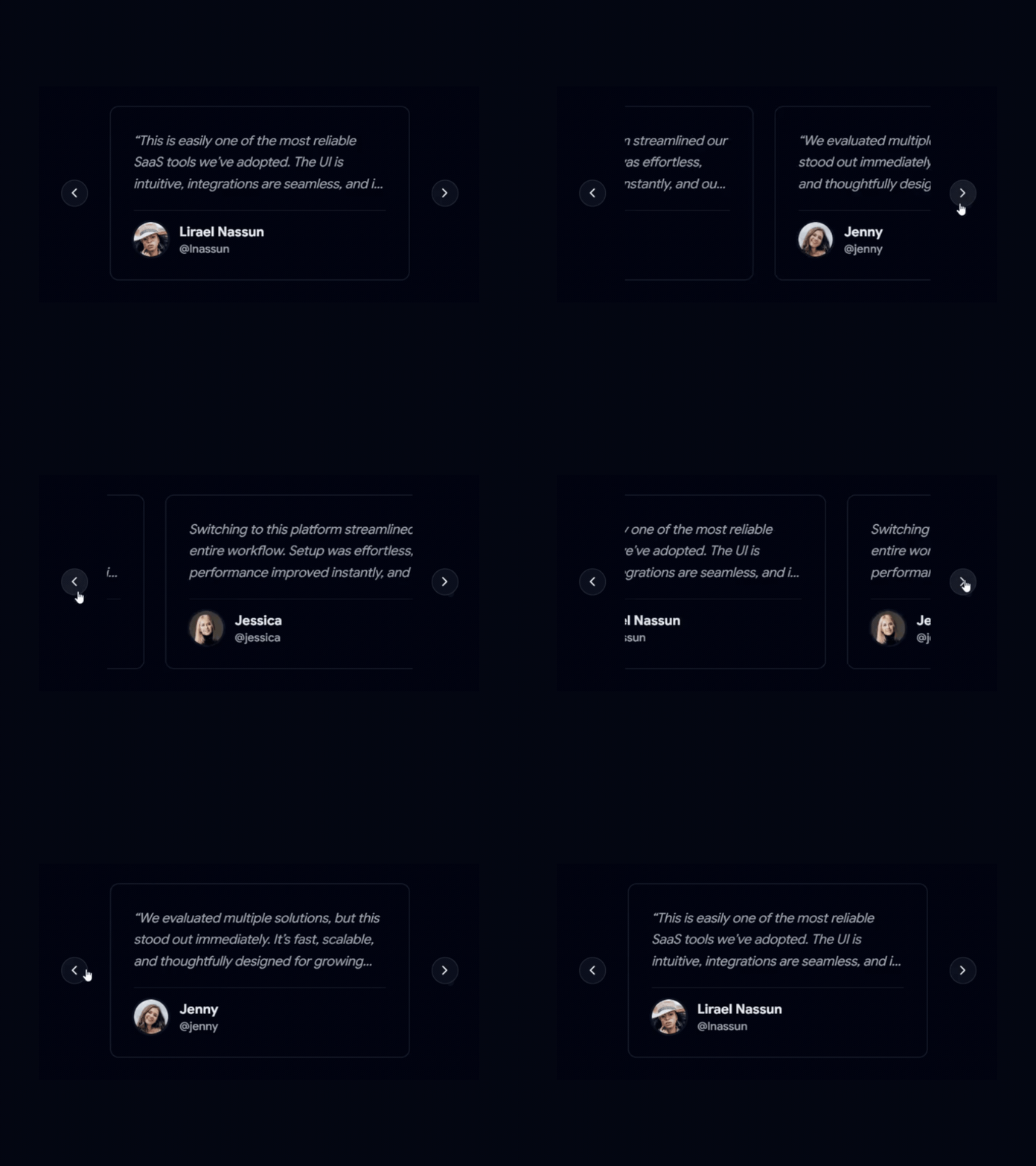
This pattern slides through card-shaped slides, which is a natural fit for testimonials, profiles, or feature blocks. Each card holds structured content like a quote, name, and avatar, so the layout stays consistent across slides. Because slides are cards, you reuse your existing card styles instead of inventing new ones. You get a tidy, content-rich slider that reads well on both desktop and touch.
Use cases:
- Testimonial sliders with quotes and avatars
- Team or profile showcases
- Feature comparison cards
- Pricing highlight rotations
- Customer story sections
Best for: Testimonial sliders that pair quotes with avatars and names.
Carousel With Multiple Items
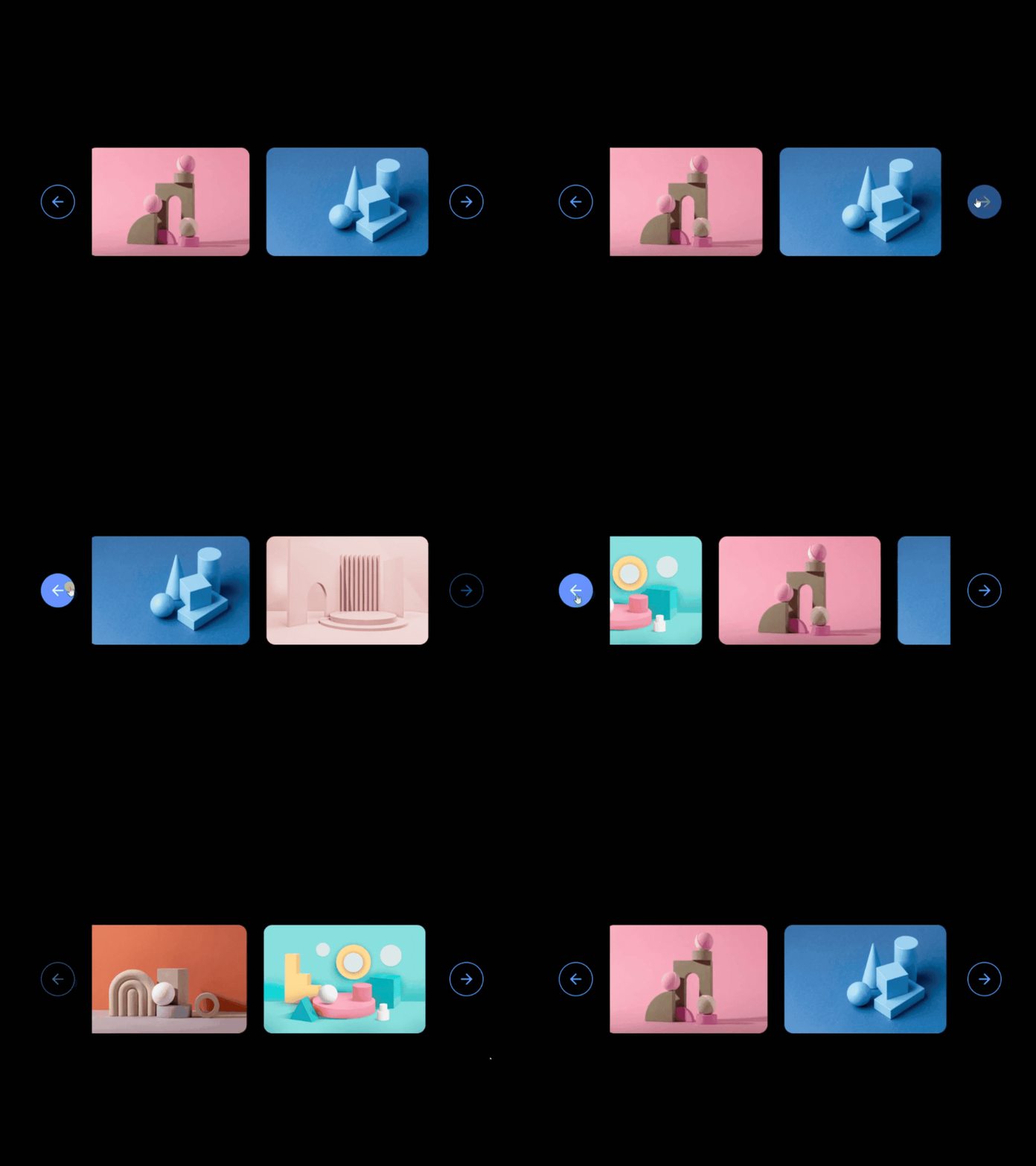
This pattern displays multiple slides in the viewport simultaneously, allowing users to browse more content without constantly navigating between slides. It works well for product showcases, team members, logos, and content collections where comparing items side by side improves usability. The layout remains responsive, adjusting the number of visible items based on screen size while preserving smooth swipe and keyboard navigation. You give users more context at a glance without overwhelming the interface.
Use cases:
- Product showcase sections
- Team member directories
- Brand and client logo sliders
- Featured blog post collections
- E-commerce category browsing
Best for: Content-heavy carousels where users benefit from viewing multiple items simultaneously.
Previews
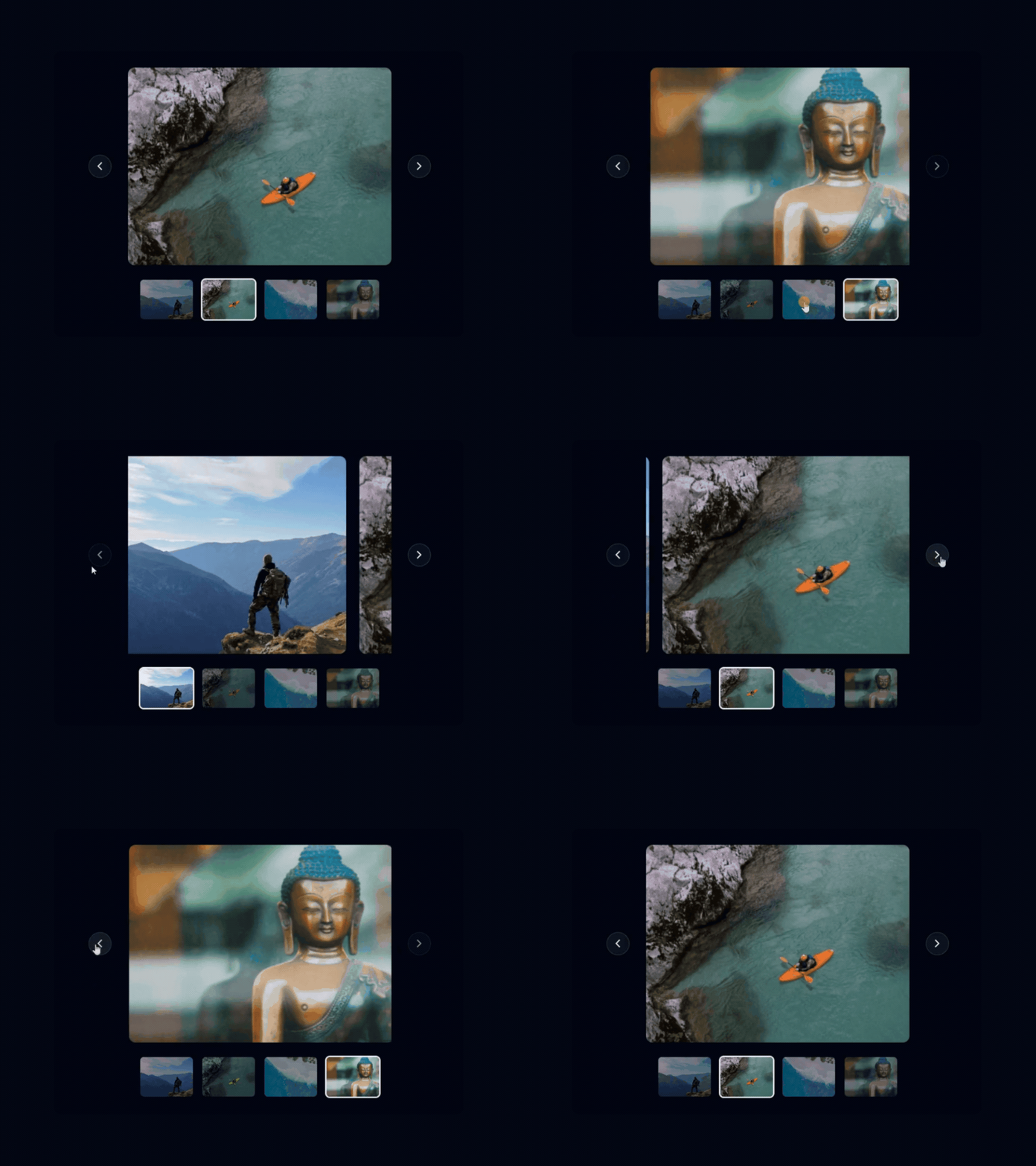
This pattern shows the main slide alongside small thumbnail previews, letting users jump straight to any item. It mirrors the gallery experience people know from product pages. The previews and the main view share the same carousel API, so selecting a thumbnail moves the main slide, and the reverse stays in sync. You give users fast, direct access without forcing them to swipe through everything.
Use cases:
- E-commerce product image galleries
- Photography and portfolio showcases
- Real estate listing photos
- Course or lesson previews
- Media libraries with thumbnail jumps
Best for: Product galleries where users jump between images using thumbnails.
Cards With Detail

This pattern extends the card slide with a title and short description under each image, turning slides into compact content blocks. It works when each item needs context, not just a picture. The structure keeps image, heading, and copy aligned across slides, which avoids ragged heights. You deliver richer slides while keeping the layout predictable.
Use cases:
- Destination or travel showcases
- Feature explainers with short copy
- Blog or article highlight rows
- Service or offering previews
- Event or session lineups
Best for: Showcases where each slide needs an image plus a short description.
Stacked Card
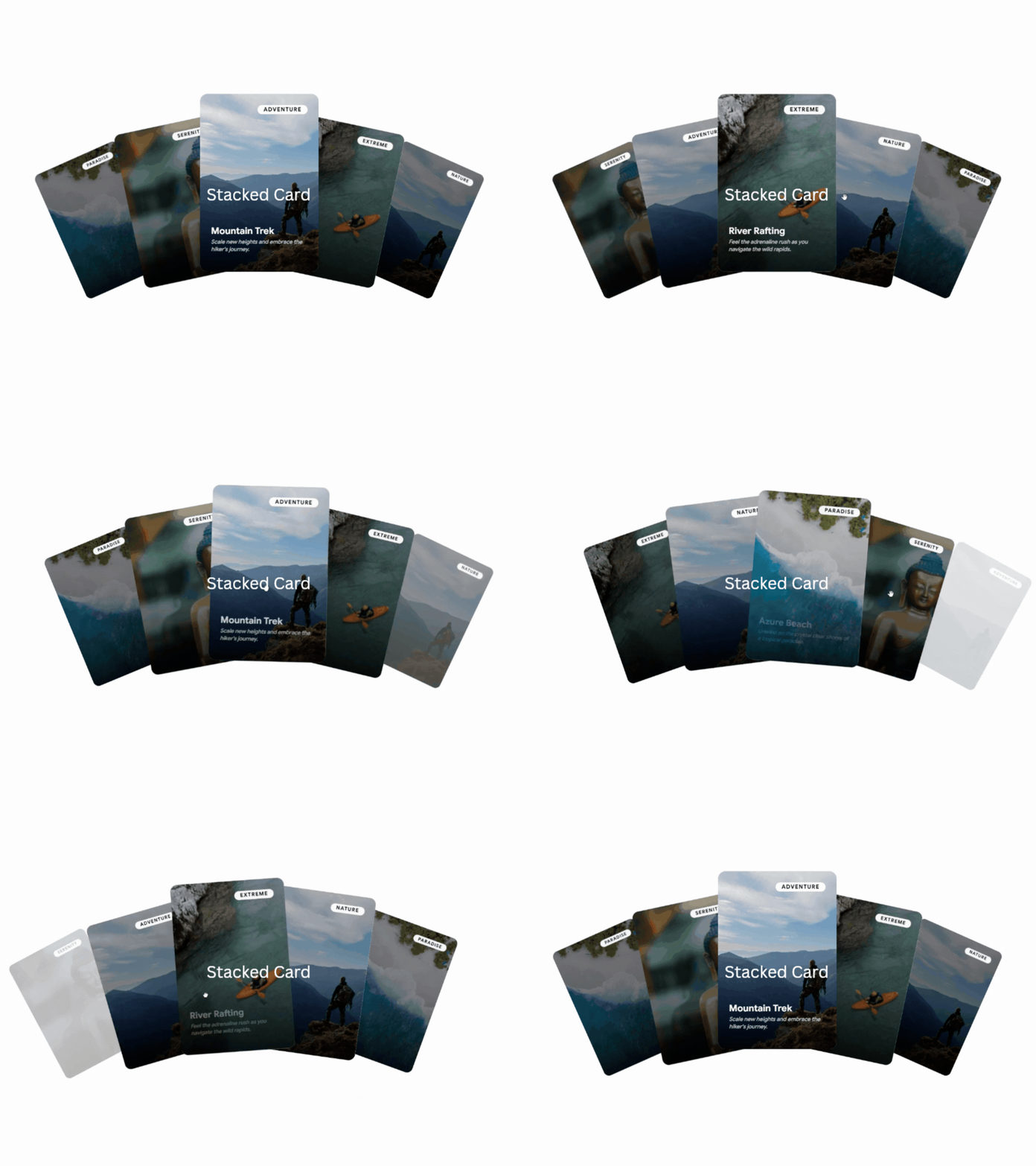
This pattern layers cards with a stacked, depth-style animated effect, drawing the eye to the active slide while hinting at the next. It adds visual interest to hero areas or featured content without distracting from the main item. Built with Framer Motion, the transitions stay smooth as cards move forward and back. You get a standout slider for moments where presentation matters as much as content.
Use cases:
- Featured content or hero rotations
- Category or tag-based highlights
- Promotional spotlight sections
- Onboarding with visual emphasis
- Editorial features on a landing page
Best for: Hero sections that need a standout, layered visual focus.
Composition
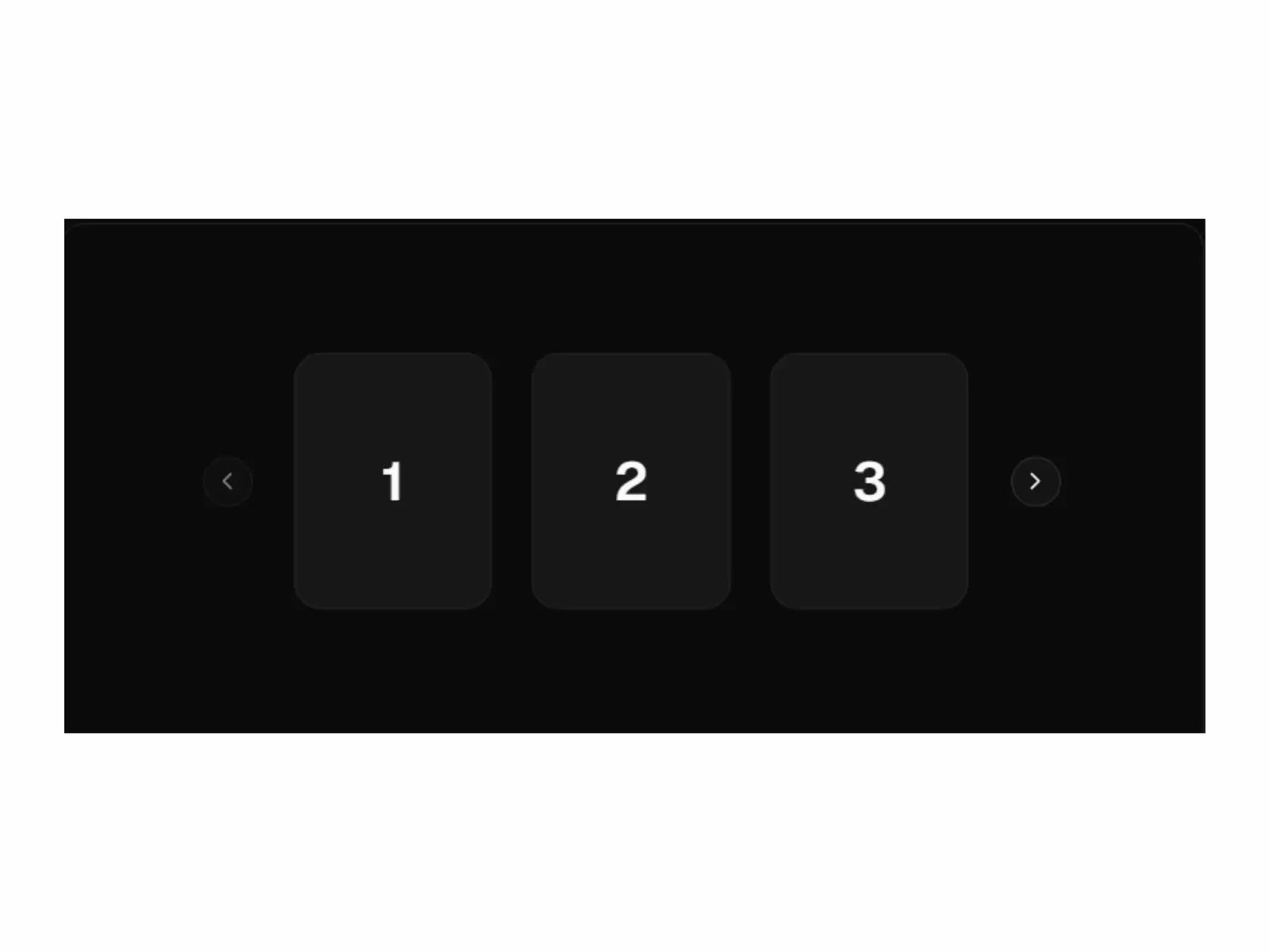
The shadcn UI carousel’s reusability comes from its composition. Instead of a single, sealed widget, you build it from distinct parts: a stateful container, a content wrapper for the track, individual slide items, and navigation controls. This separation allows each part to function independently, so you can restyle controls without altering slide logic or easily swap item content. The same structure can power a simple image slider or a complex card layout, ensuring a consistent codebase.
Use cases:
- Reusable image or content sliders
- Complex card layouts with custom content
- Testimonial sections with unique styling
- Product carousels with dynamic data
- Feature tours with mixed media
Best for: Building consistent, reusable carousels for varied content types.
Orientation
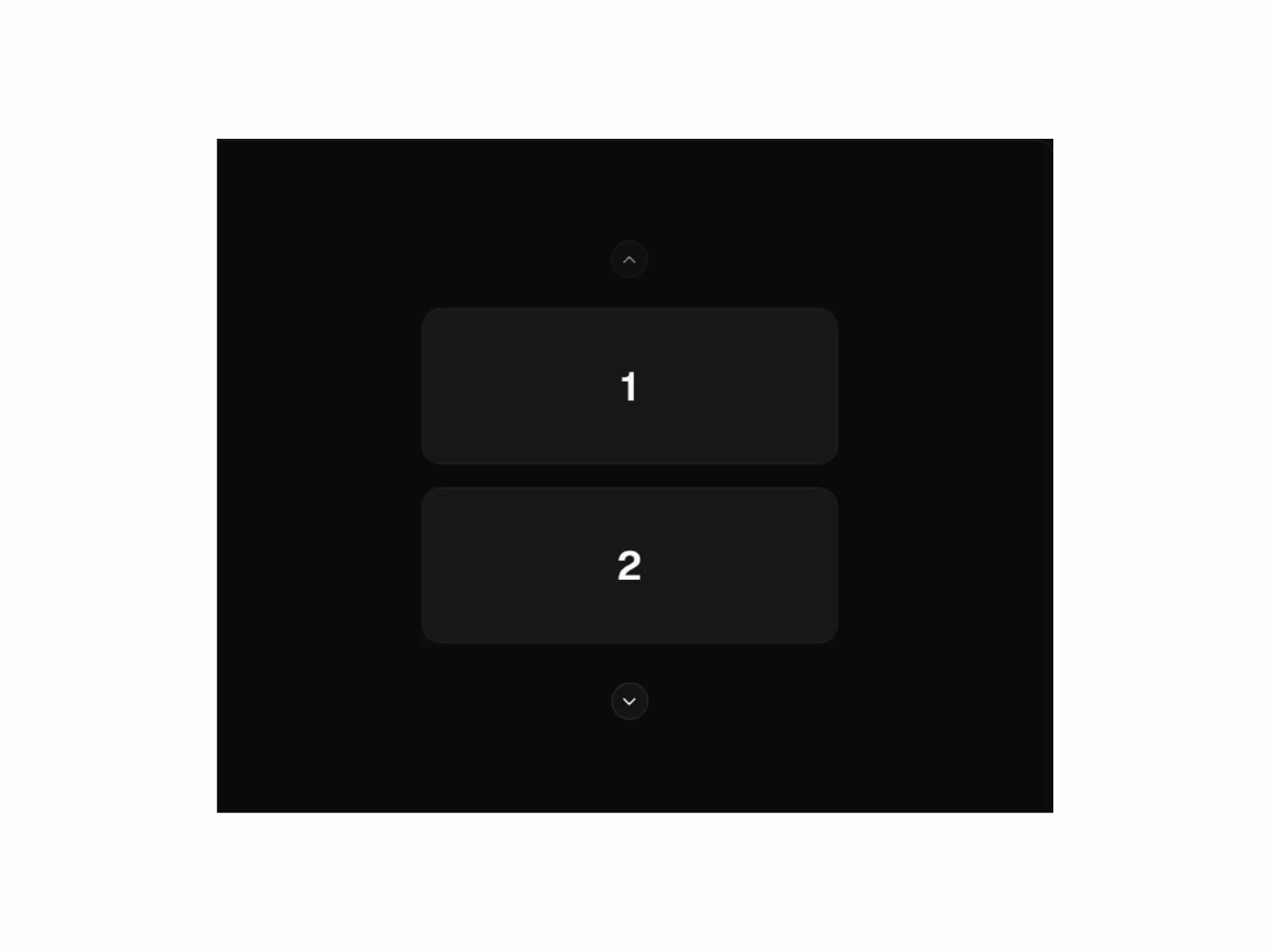
The carousel supports horizontal and vertical orientations with a single prop. The default horizontal mode works well for most use cases, like galleries, testimonials, and feature rows, where users swipe left and right. The vertical orientation is ideal for tighter spaces, such as sidebar feeds, stacked notification views, or story-style sequences where up-and-down movement feels more natural.
Use cases:
- Standard horizontal image galleries
- Testimonial or feature rows
- Vertical sidebar feeds
- Stacked notification views
- Story-style sequences
Best for: Adapting slider behavior to fit both wide and tall content layouts.
Easy to Integrate with Any Components
A carousel is essentially a container, making it highly compatible with your existing UI elements. Here’s how you can integrate it:
- Cards: Use card components as slides for testimonials or product features.
- Buttons: Reuse your existing button styles for custom navigation.
- Badges: Add badges within slides to indicate categories or statuses.
- Avatars: Include avatars in testimonial cards for a personal touch.
- Tabs: Sync tabs with the carousel API so tab clicks change slides.
By using these components, the carousel acts as a flexible content host, not just a fixed image box, ensuring your layout remains consistent.
FAQ’s
1. How do I get and control the active slide programmatically?
Use the carousel API exposed through the setApi prop. Store the API instance in state, then read the selected index or call methods to scroll to a specific slide. You can also subscribe to events to update dots, an index counter, or synced thumbnails whenever the slide changes.
2. How do I keep a carousel fast and accessible?
Lazy-load images outside the visible area and keep slide assets light to protect performance. For accessibility, make sure controls are reachable by keyboard, expose arrow-key navigation, and give buttons clear labels. Test swipe behavior on real Android and iOS devices, since browser tools do not always reflect true touch sensitivity.
3. What are the best use cases for Shadcn carousel components?
Shadcn carousels work especially well for product image galleries, testimonials, customer success stories, feature highlights, team showcases, portfolio projects, onboarding experiences, and marketing sections that require compact content presentation.
Final Thoughts
Picking the right carousel comes down to matching the pattern to the job. Use Custom Dots or Index when position matters, Cards and Cards With Detail when slides carry real content, Previews for galleries with quick jumps, Custom Navigation when default controls do not fit, and Stacked Card when presentation is the point.
All patterns share the same composition model, run on Embla under the hood, and support touch gestures and keyboard navigation, so the skills transfer across every variant. Start from the use case, run the evaluation checklist, install the pattern that fits, and ship it. That order keeps your choice fast and your code clean.
Want to make your carousels feel more interactive? Explore our guide to animated UI component libraries and discover motion-driven components that add polish and engagement to your React and Next.js projects.
For even more production-ready UI patterns, browse our collection of Shadcn components, featuring everything from forms and navigation elements to feedback systems, data displays, and essential application-building blocks.
Looking for More Shadcn Carousel Components?
In this video, you’ll get a complete preview of our collection of Shadcn Carousel Components. These production-ready carousel layouts help you quickly build image galleries, testimonial sliders, product showcases, portfolio sections, travel experiences, content carousels, and interactive browsing interfaces for modern React and Next.js applications.
Explore different designs, animations, and use cases to find the perfect carousel for your website.