
Every user who lands on your website has questions. Before they sign up, buy something, or even scroll past the hero section, they want to know if this product is for them, how it works, and what happens if something goes wrong.
That’s just human nature.
In the past, most founders and web designers heavily used third-party FAQ platforms or chat tools to answer common questions. But things have changed dramatically nowadays. Think of your FAQ page as a self-service help desk that works 24/7. Instead of waiting for support replies, users can instantly find the information they need.
In 2026, a good FAQ page helps your site rank better on search engines, reduces drop-offs, and builds trust with users who are still on the fence.
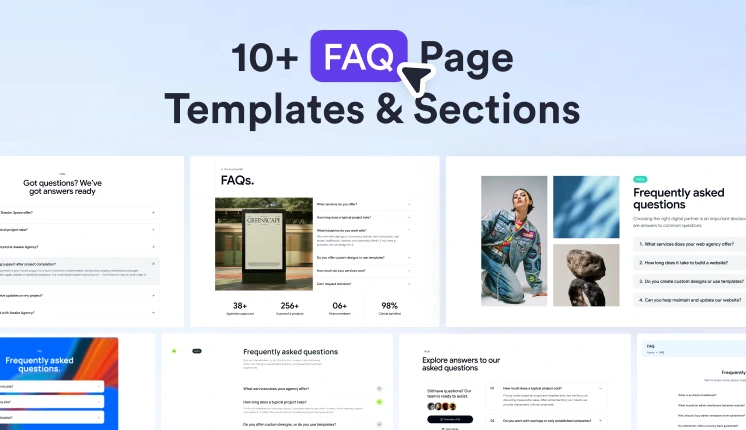
In this article, we’ll explore 10+ modern FAQ page templates and sections that you can use to build powerful, user-friendly FAQ experiences.
Why FAQ page templates or sections?
Helping Users Find Answers Quickly
The main job of an FAQ page is simple. Give clear answers to questions that people ask again and again.
Instead of forcing users to explore the whole website, you gather the most common questions in one place.
For example, people may want to know:
- What problem does this product solve?
- How does the platform work?
- What plans are available?
- How can someone contact support?
When these answers are easy to find, users feel more comfortable exploring your product.
A good FAQ page works like a small knowledge hub inside your website.
Reducing Support Work
Anyone who has worked with a support team knows one thing.
The same questions keep coming back.
- How do I reset my password?
- Where can I see pricing?
- Is there a free trial?
If these answers are already explained on the website, users can solve small issues themselves.
That saves time for both sides.
Support teams can focus on complex problems instead of repeating the same answers all day.
This usually leads to:
- faster replies for real issues
- less pressure on the support team
- happier users
Improving User Experience
People feel more confident when information is easy to find.
A clean FAQ section shows that the company is open and ready to explain things clearly.
It helps users during important moments such as:
- before buying a product
- while comparing tools
- when exploring new features
Think of the FAQ page as a guide that removes confusion from the user journey.
Are FAQ pages and sections good for SEO?
Yes, they are surprisingly useful for search traffic.
How FAQ content helps search engines
Most FAQ questions look very similar to what people type into search engines.
For example, someone might search for things like:
- WrapPixel company information
- How does this SaaS platform work
- Is this tool good for startups
If your FAQ page already answers these questions, search engines can connect that content to the search query.
This is why many websites get steady organic traffic from FAQ pages.
The role of the FAQ schema
Another helpful technique is adding FAQ schema markup.
Schema helps search engines understand that your content follows a question-and-answer format.
When the markup is added properly, search engines may show your FAQ directly in the search results.
This often increases visibility and improves click rates. So creating a FAQ page is not only about writing answers. It also helps to structure the content properly.
Capturing long search queries
FAQ sections are also great for longer search queries.
These are very specific searches that people type when they already know what they want.
For example:
- How to integrate a payment gateway in SaaS
- best FAQ layout for startup websites
- FAQ examples for landing pages
These searches may not have huge traffic, but the visitors who come through them usually have a strong intent. A page that helps answer these specific questions can quietly become one of your best-performing pages.
Best FAQ Templates and Sections for 2026
Let’s look at some useful FAQ layouts and templates that developers often use in modern websites.
Shadcn Space FAQ Sections
Shadcn Space offers a ready-to-use shadcn/ui FAQ sections built on top of Radix-UI and Base-UI.
These components are ideal for landing pages, SaaS platforms, and startup websites.
Best for: Startups, teams, and SaaS founders
Expandable FAQ Section
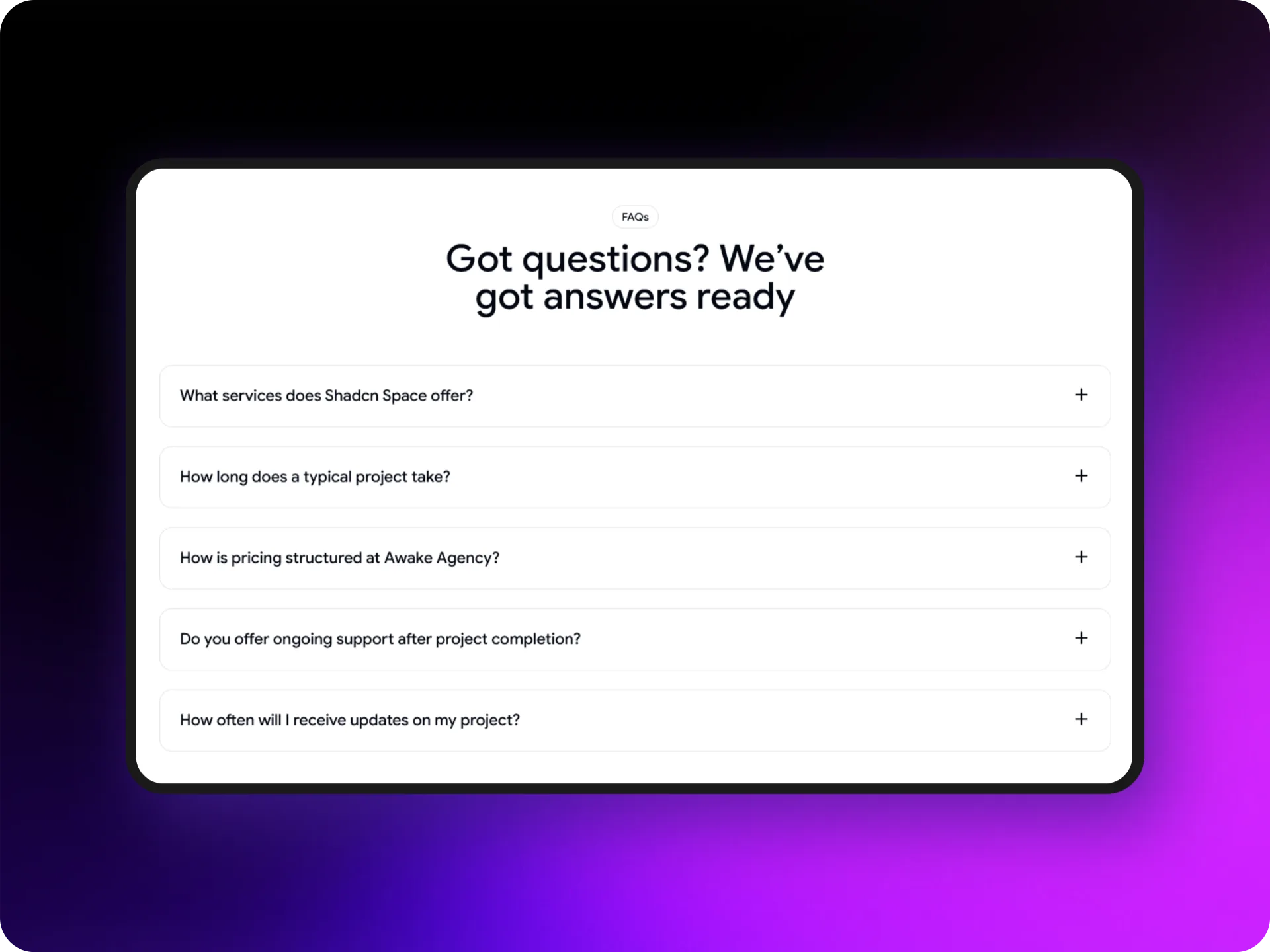
This is a clean accordion-style FAQ layout.
It allows users to expand questions to reveal detailed answers.
Perfect for:
- SaaS landing pages
- Agency websites
- Product pages
The design reduces friction and helps users gain confidence before conversion.
FAQ Section with Image
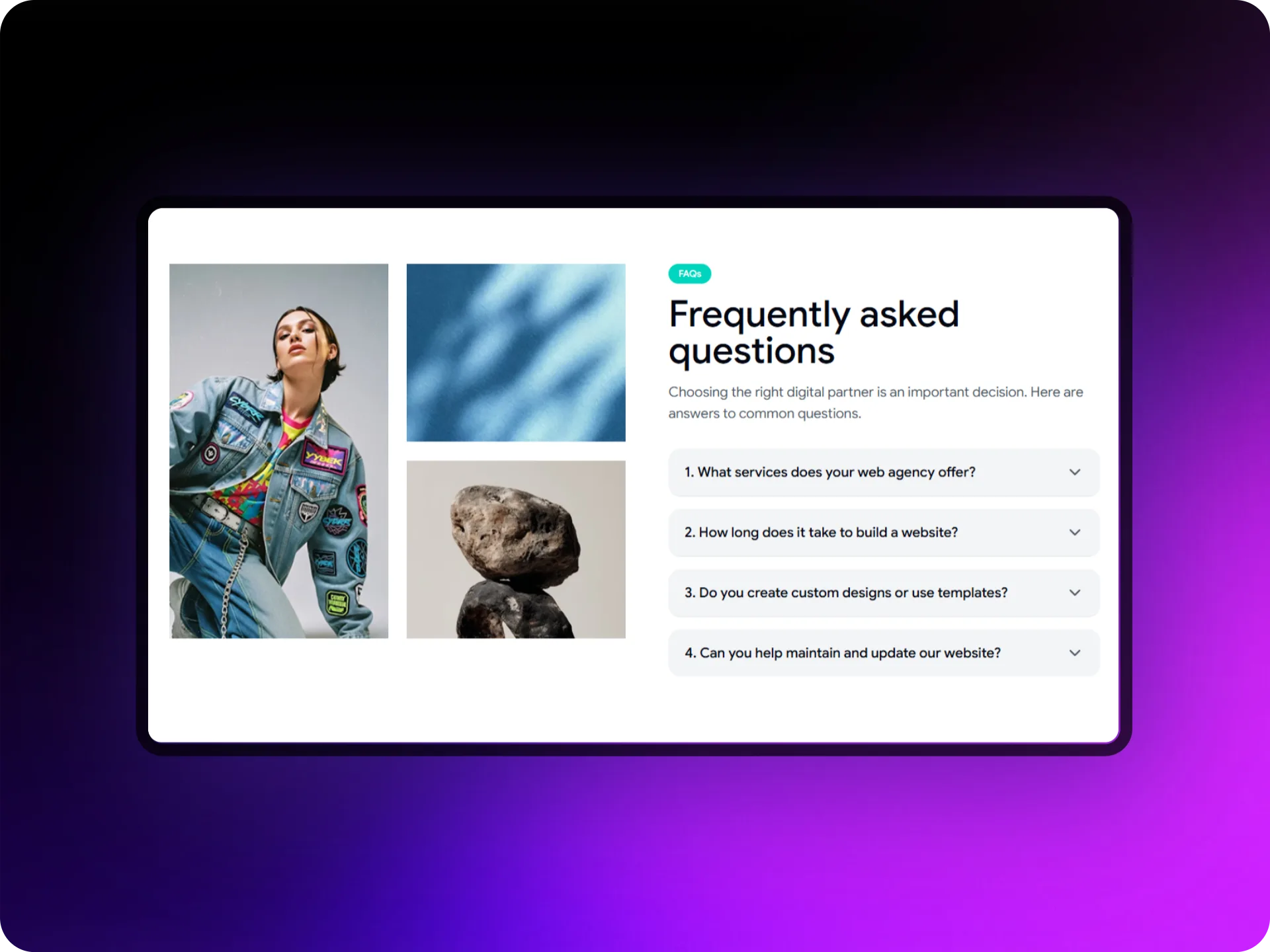
This layout combines questions with visual elements.
Images help explain complex topics and create a more engaging layout.
Great for:
- Product explanation
- Feature clarification
- Educational platforms
FAQ with Insights
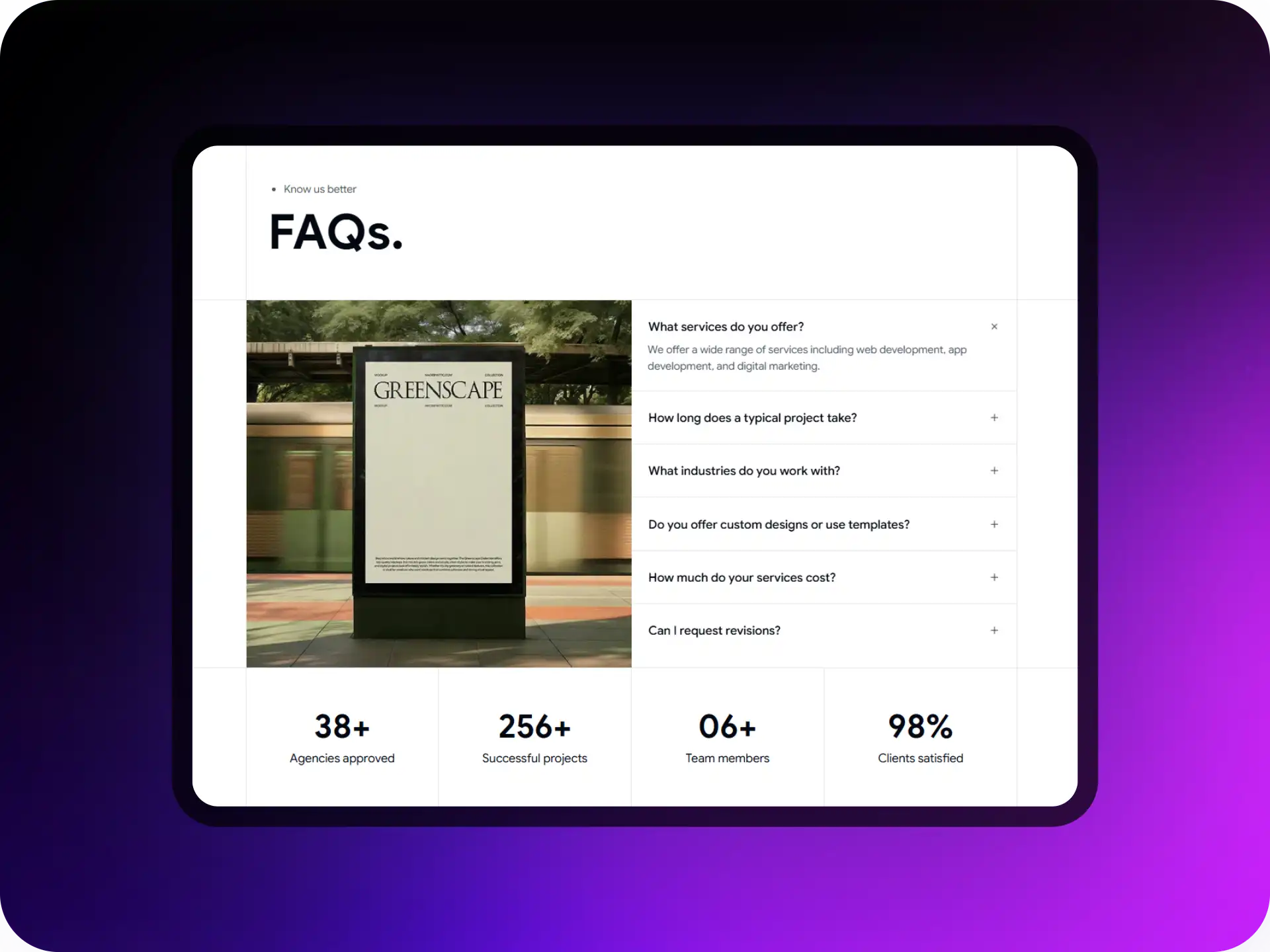
This template adds credibility metrics alongside FAQs.
For example:
- Number of users
- Customer satisfaction stats
- Platform reliability indicators
It’s designed to build trust while answering questions.
Support FAQ
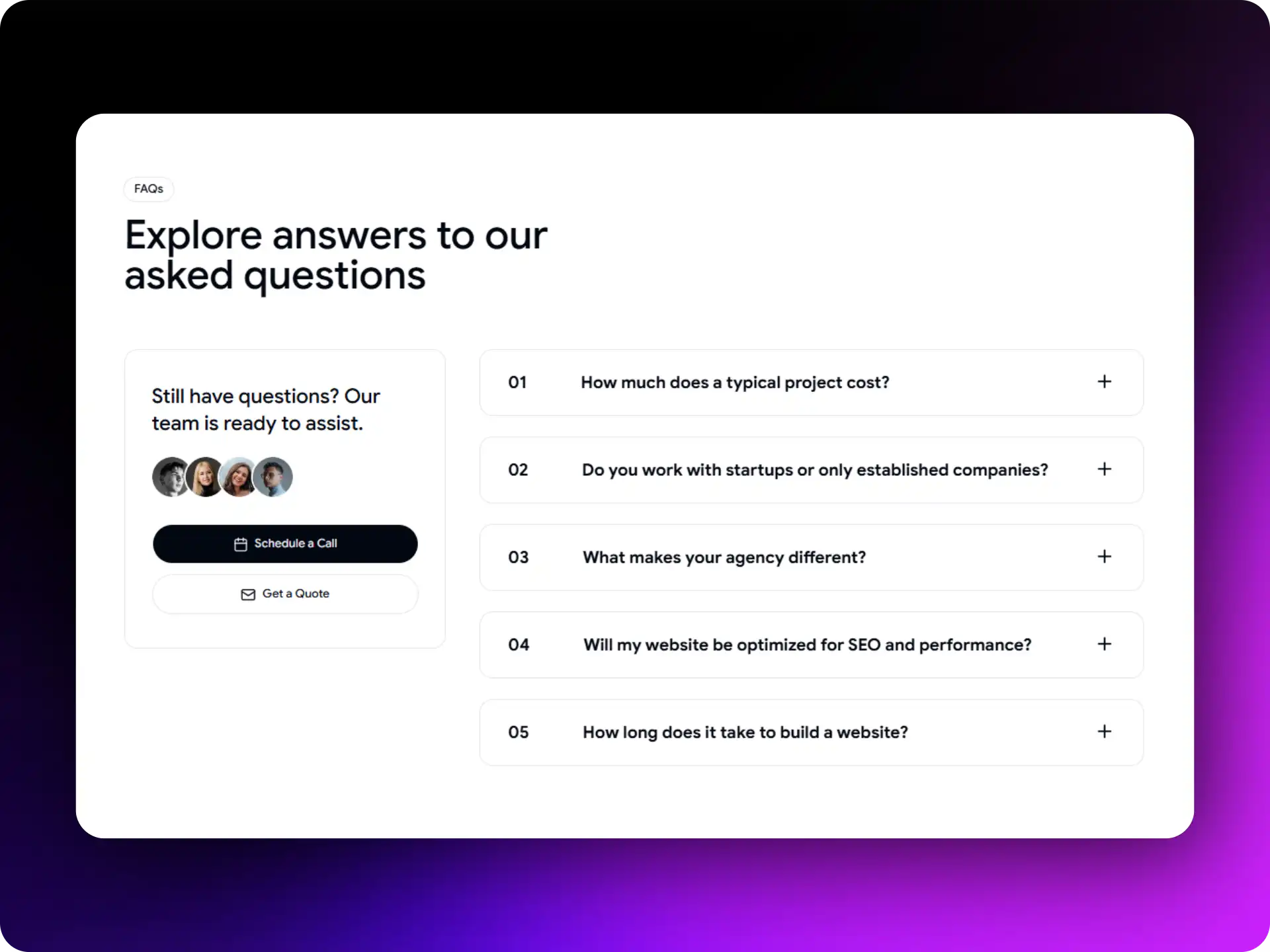
This modern layout includes:
- FAQ questions
- A support contact card
Users can quickly get answers and contact support if necessary.
Studiova FAQ Section
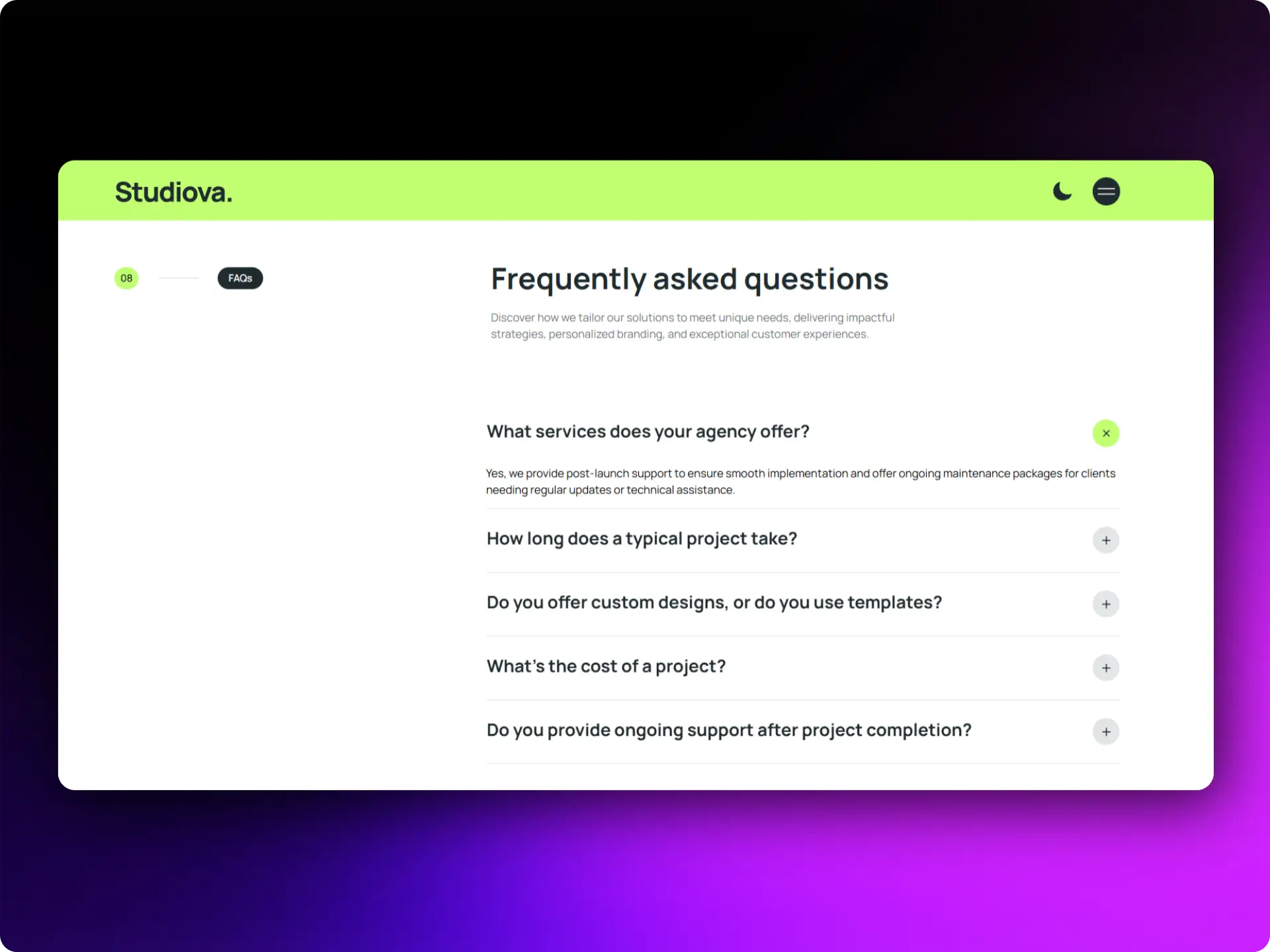
Studiova is a fully functional design studio template that includes an elegant FAQ section.
It’s designed to showcase agency credibility and services.
Best for:
- Design studios
- Creative agencies
- SaaS studios
FAQ Page by TailwindAdmin
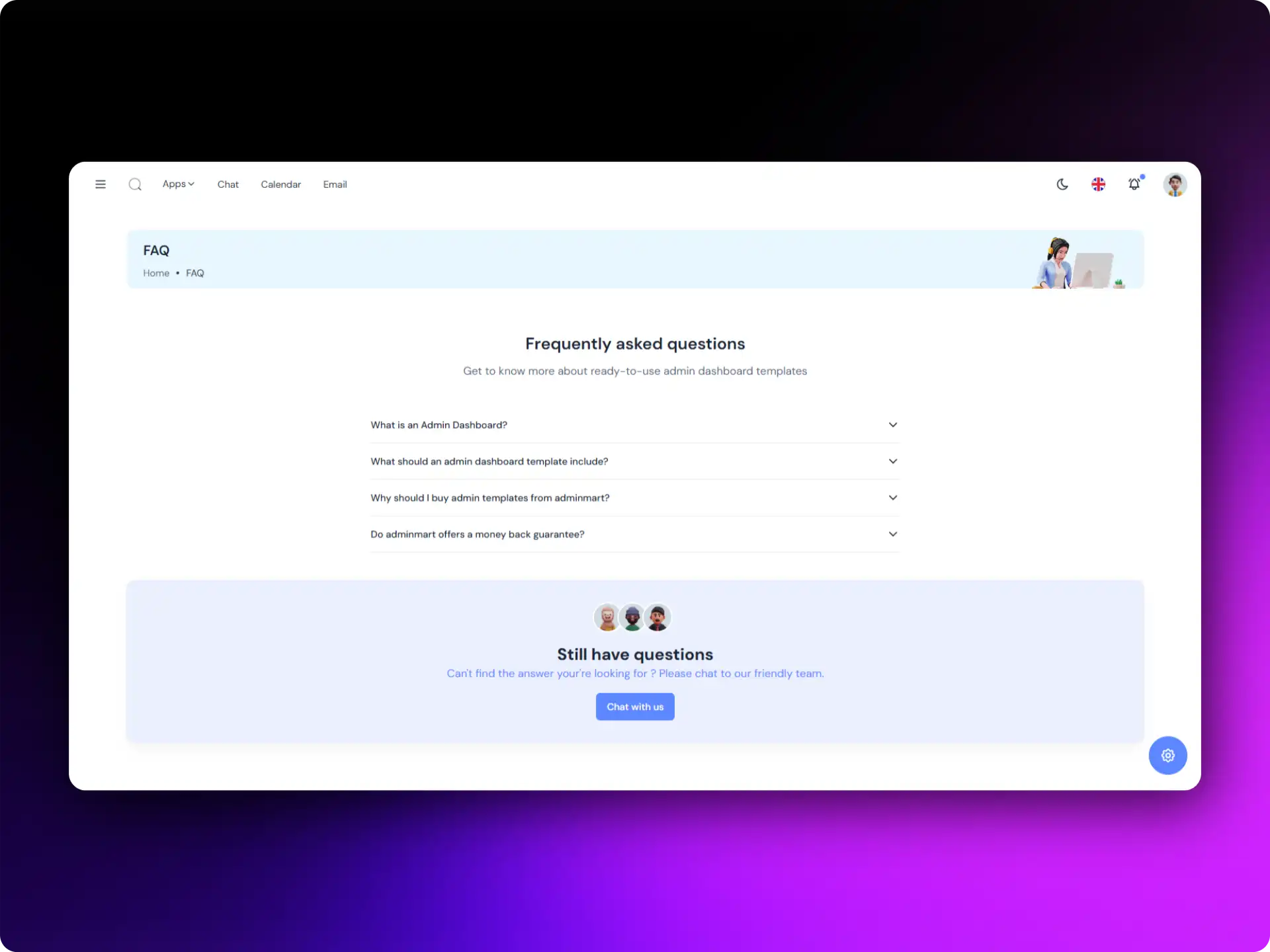
TailwindAdmin offers an all-in-one web platform template with ready-to-use UI blocks.
Their FAQ page is flexible and can be adapted for almost any type of website.
Features include:
- Clean UI components
- Prebuilt pages
- Modular sections
Best for: Custom web platforms
If you’re looking to design full pages instead FAQ page, you can try our Bootstrap Starter Templates to create complete layouts without spending extra money on AI builders.
Awake FAQ Section
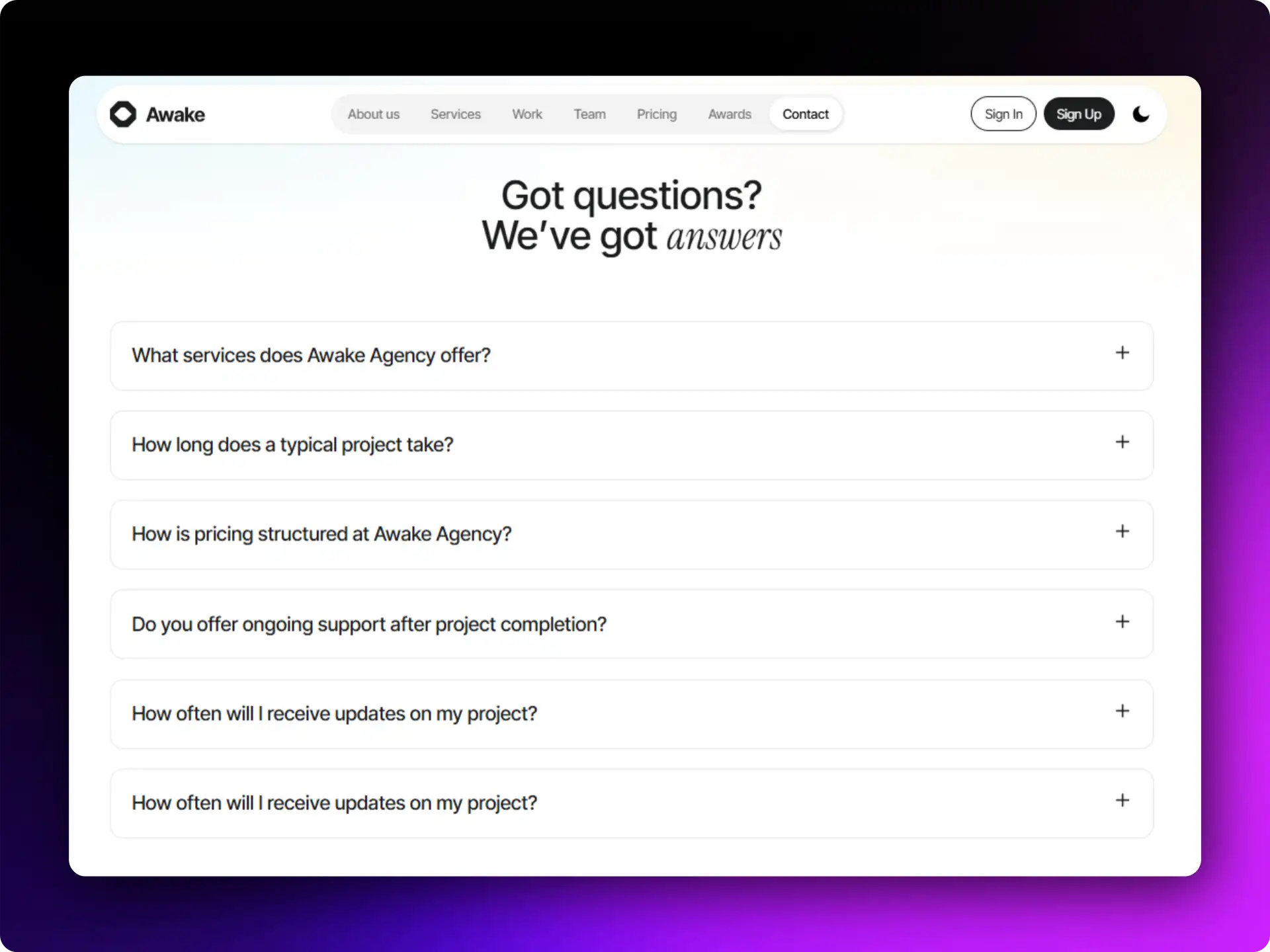
Awake is a popular landing page template that includes a modern FAQ section.
It supports multiple frameworks:
- Bootstrap
- Vue.js
- React
- Tailwind
The design also works beautifully for light and dark themes.
Best for:
- Web agencies
- Startups
- Design agencies
Homely FAQ Section
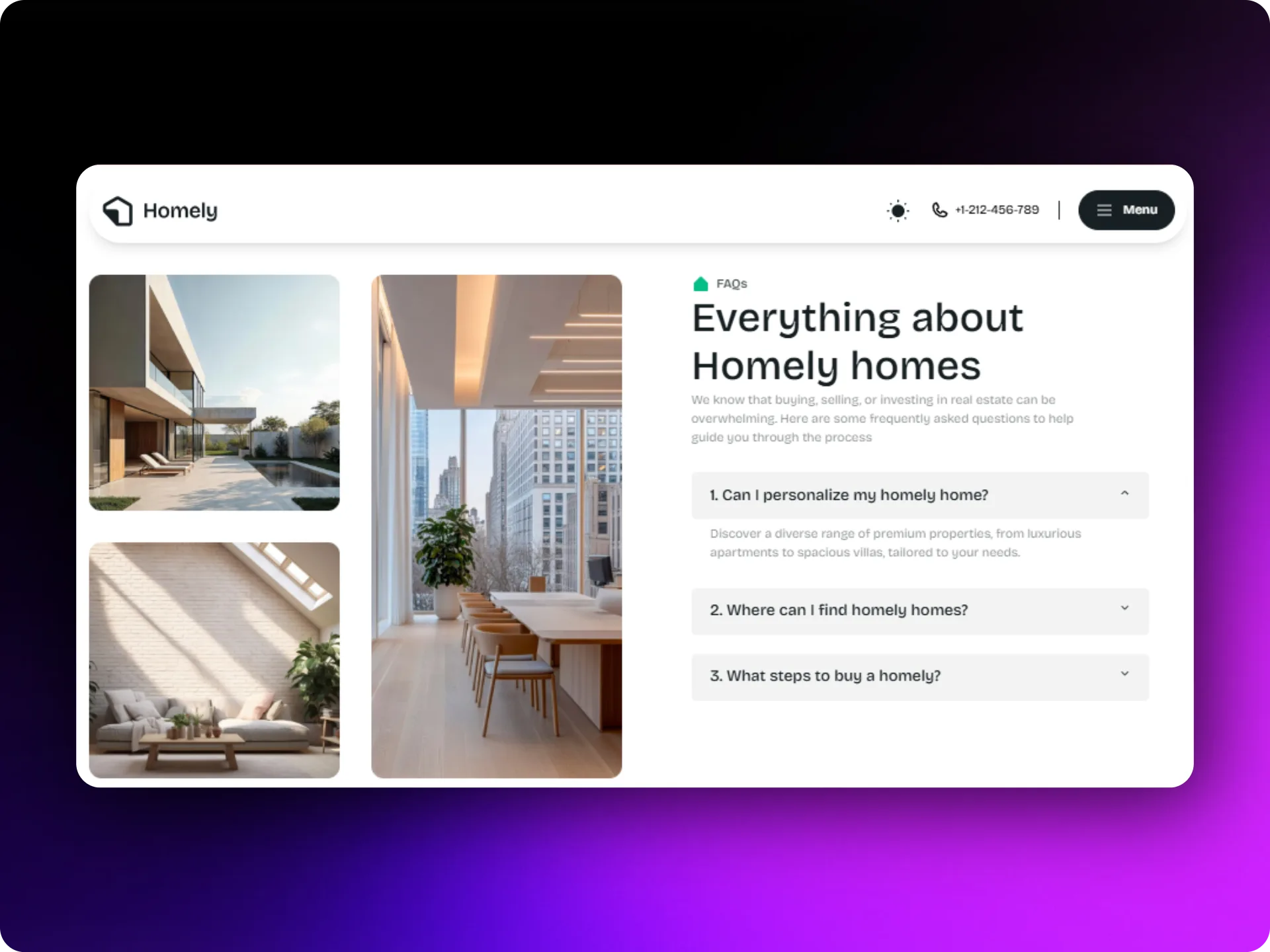
Homely is designed specifically for real estate websites.
It provides a seamless property browsing experience along with an FAQ section.
Built with:
- Next.js
- Tailwind CSS
- Shadcn UI
Best for:
- Real estate agencies
- Property dealers
Desgy FAQ Section
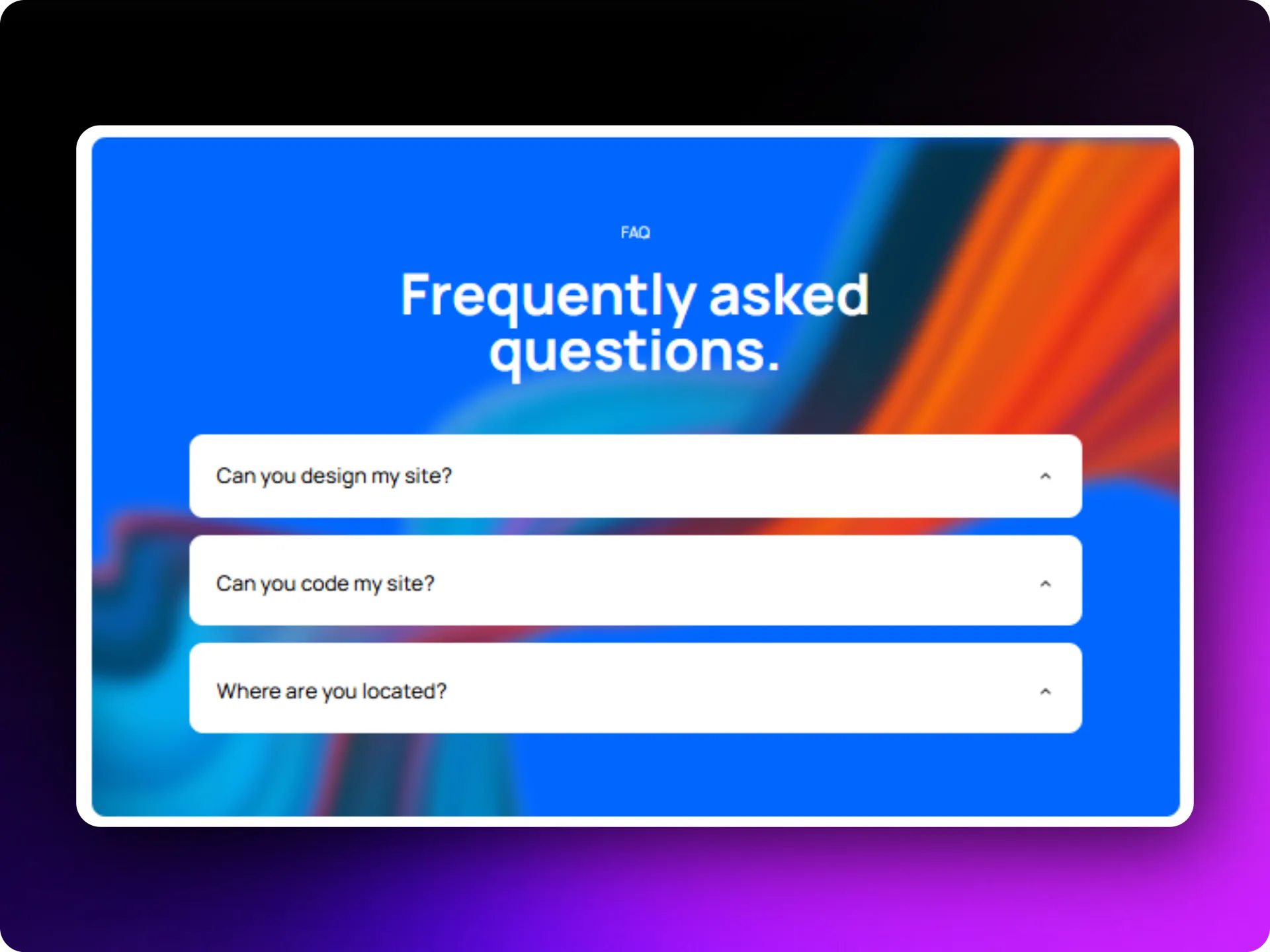
Desgy is a modern landing page template built with Next.js and React.
It includes a stylish FAQ section perfect for creative websites.
Best for:
- Designers
- Design agencies
- Creative studios
MaterialM FAQ Template
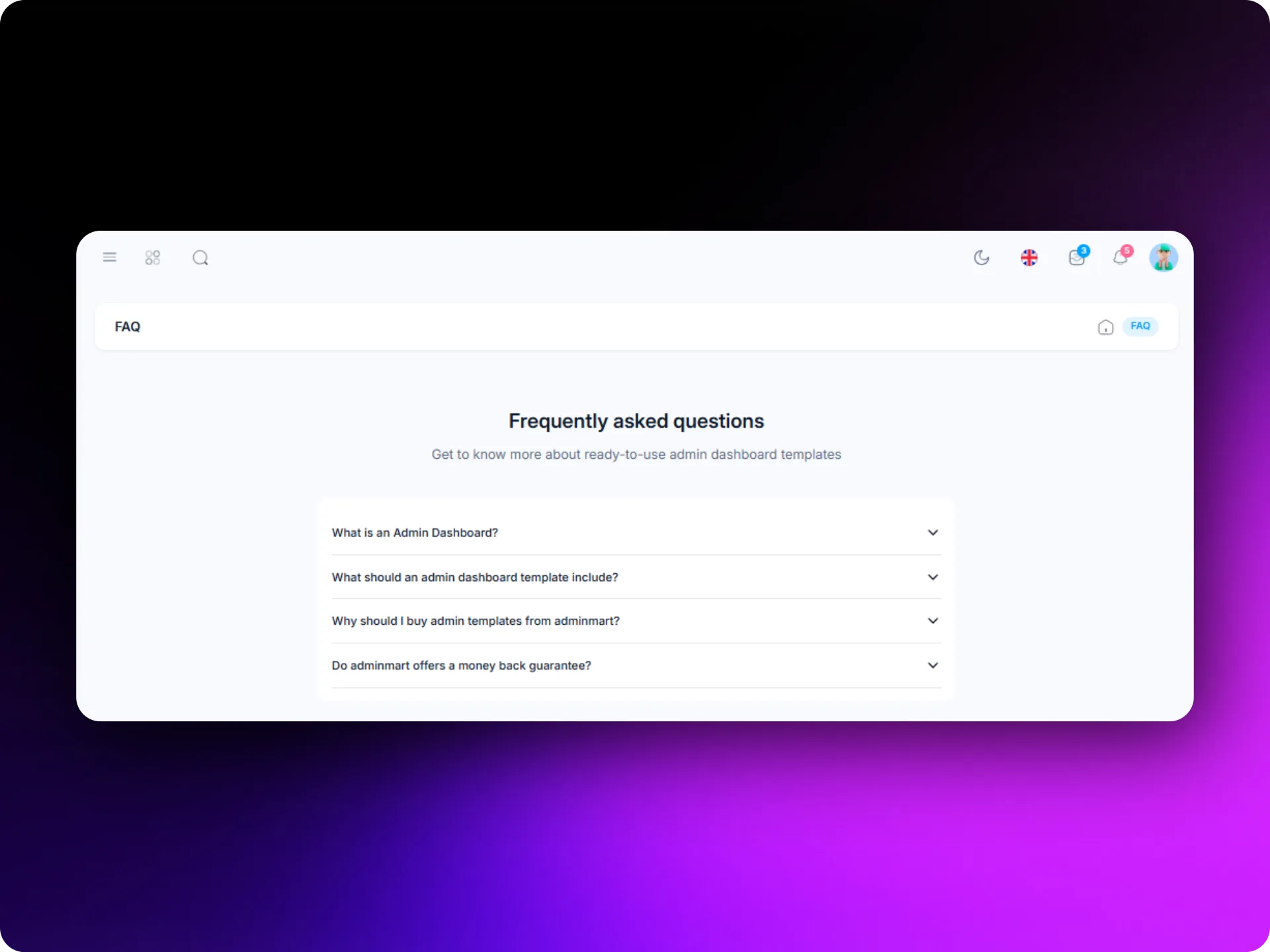
MaterialM is built using Google’s Material Design principles.
It’s not just an FAQ page, it’s a complete admin template.
Features include:
- Homepage layouts
- Blog pages
- Portfolio sections
- 12+ apps
Best for multi-purpose platforms and dashboards.
Crypgo FAQ Section
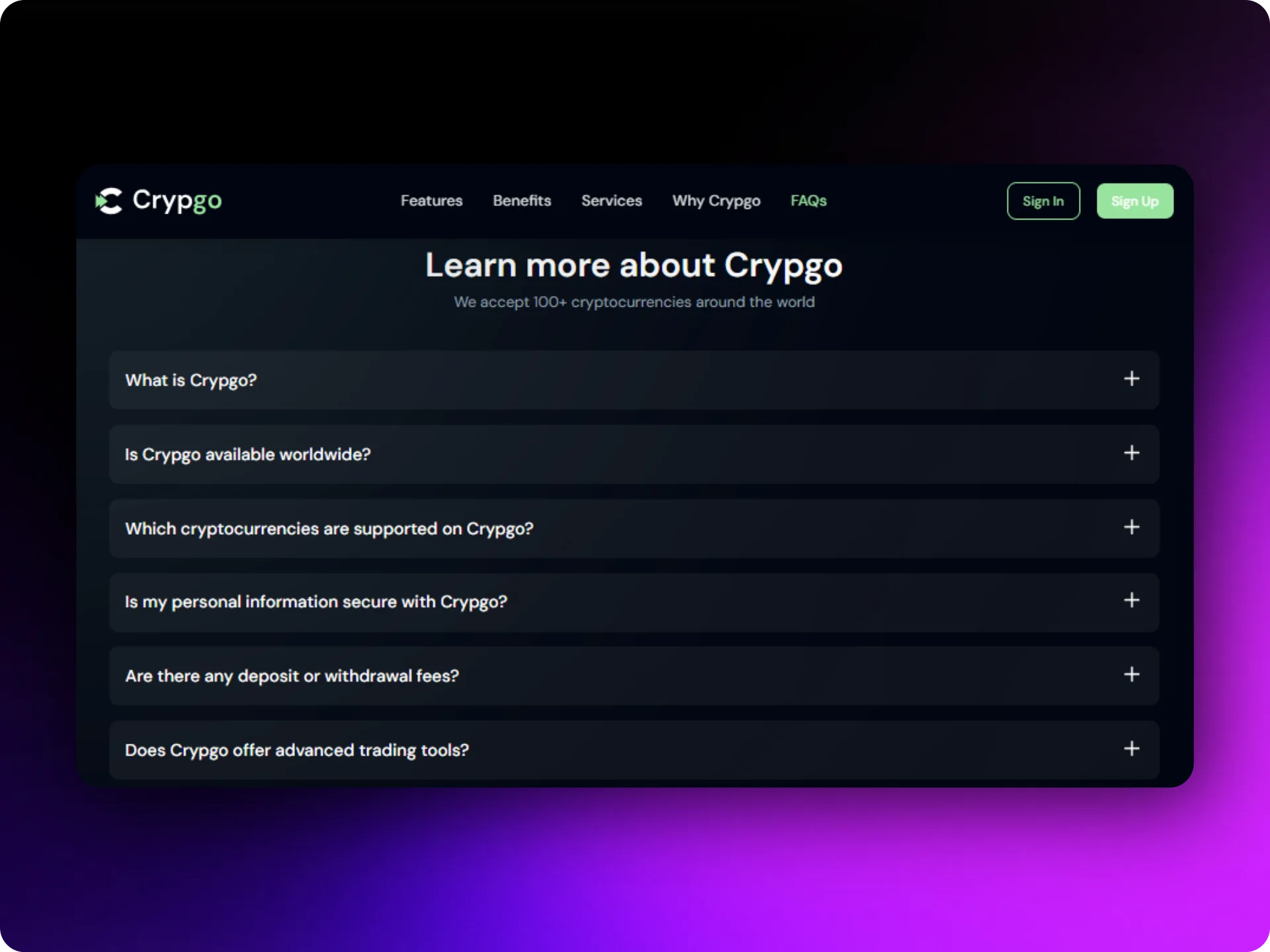
Crypgo is a Next.js landing page template designed for crypto platforms.
It includes a FAQ section tailored for blockchain and crypto services.
Best for:
- NFT startups
- Bitcoin trading platforms
- Blockchain consultancy
SaaS Candy FAQ Section
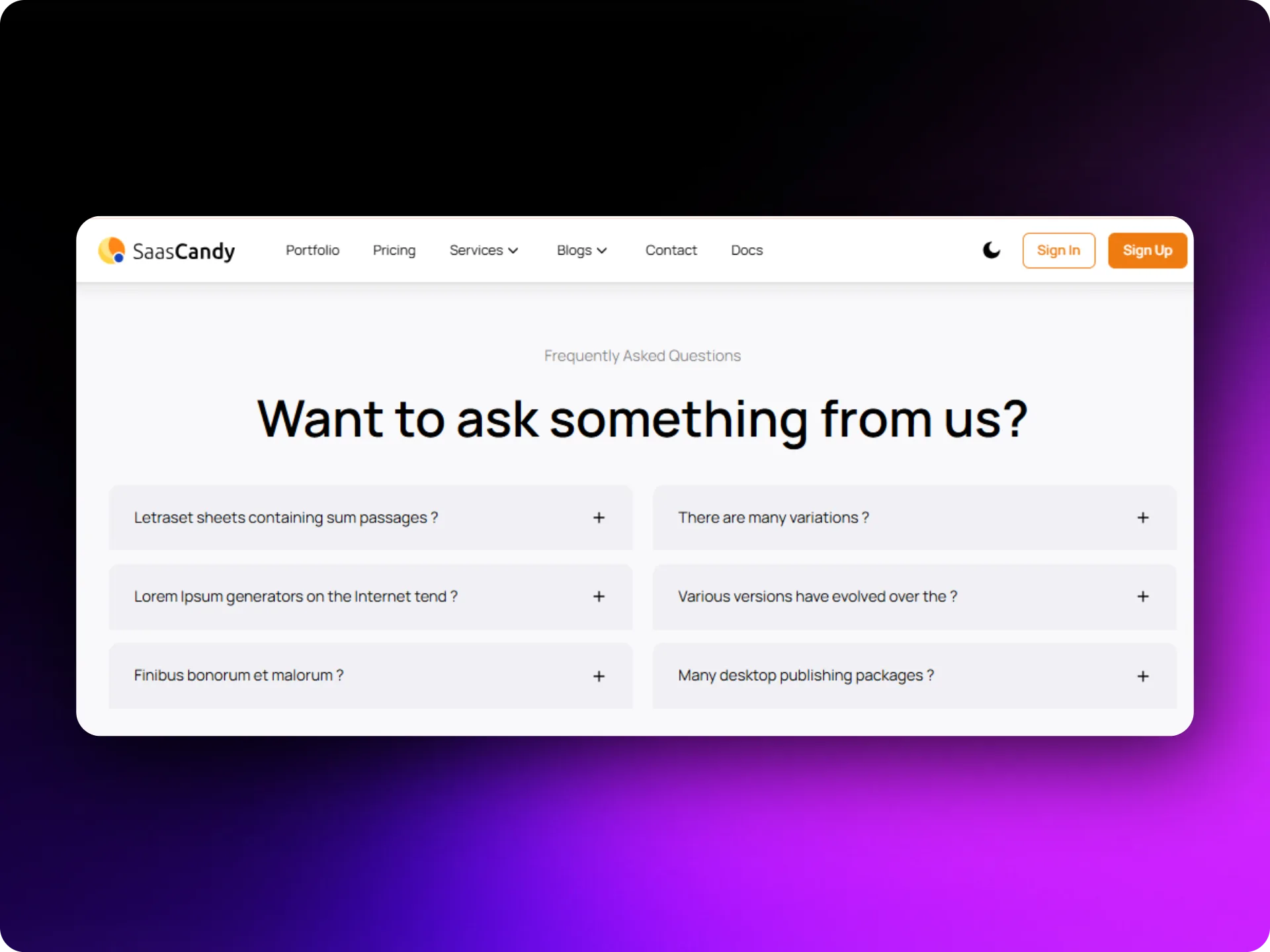
SaaS Candy is a high-performance Next.js template built specifically for SaaS products.
Its FAQ section helps explain:
- Features
- Pricing
- Platform capabilities
Best for:
- SaaS startups
- Tech founders
- Software platforms
Modernize FAQ Page
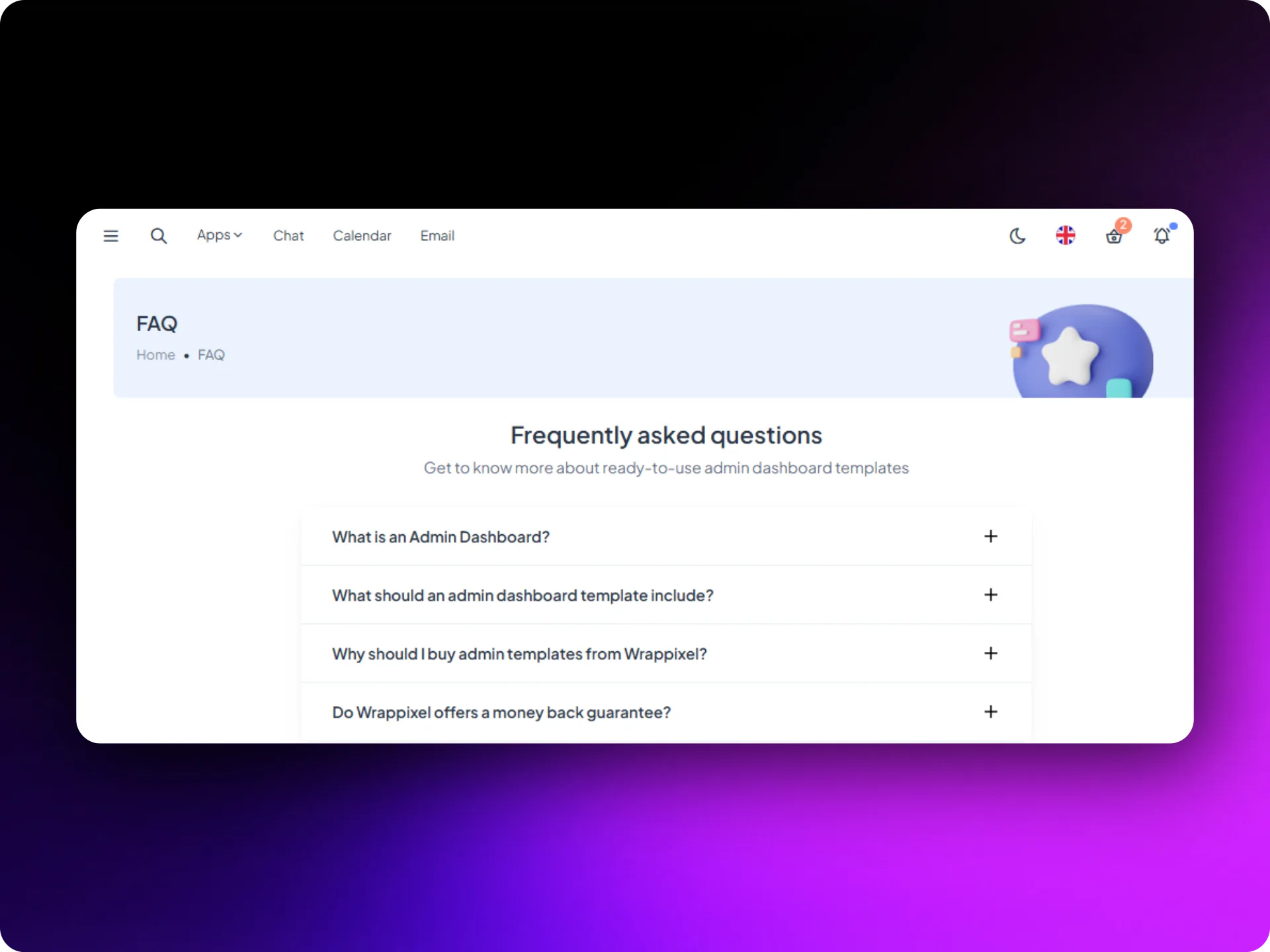
Modernize is one of the most popular admin templates online.
Its FAQ page design focuses on simplicity and usability.
Available frameworks include:
- Bootstrap 5
- React
- Next.js
- Tailwind
- Vue.js
- Nuxt
This makes it extremely flexible for developers.
What makes a good FAQ template in 2026?
Not every FAQ layout works well. Some designs are difficult to read or become messy on mobile screens. Good FAQ pages usually follow a few simple ideas.
- Use an Expandable Accordion Layout
- Use Real Questions From Users
- Add Search and Categories for Large FAQs
- Guide Users Instead of Trapping Them
- Make Sure Support Is Easy to Reach
FAQ pages & sections should guide users, not trap them. Always give users a path to reach support if their problem is not solved.
Conclusion
In 2026, FAQ pages are no longer just a list of questions.
They quietly support many parts of a website.
An effective FAQ page and section can:
- Reduce support tickets and customer support workload
- Help users understand your product
- Bring organic traffic via search engine results
- Build trust with new visitors
- Improve the user experience across the entire site
Using ready-made templates such as Shadcn Space, TailwindAdmin, MaterialM, or SaaS Candy, developers can quickly add a useful FAQ page without building everything from scratch.
If your website still does not have a proper FAQ section, it might be a good time to add one.
It is a small page, but it often solves big problems.
FAQ’s
1. Why should every website have a FAQ page?
A FAQ page helps visitors quickly find answers to frequently asked questions. It improves the user experience and reduces support tickets.
2. Can an FAQ page help with search traffic?
Yes. A clean FAQ page content often matches real search queries, which helps websites appear in search results.
3. What is FAQ schema markup?
It is structured data that tells search engines your page contains questions and answers. This can help show your FAQ directly in search results.
4. How many questions should a FAQ page include?
Most websites include around 5 to 20 questions. Larger platforms may organize them into a knowledge base with categories and a search bar to help users navigate smoothly.
5. Should FAQ pages include contact options?
Yes. Even if answers are detailed, users should still have the option to contact support when needed.